BROOKLYN
245 Clinton Ave., Brooklyn, NY 11205
Main: 718.940.5300
Admissions: 718.940.5800
Fax: 718.940.5680
LONG ISLAND
155 W. Roe Blvd., Patchogue, NY 11772
Main: 631.687.5100
Admissions: 631.687.4500
Fax: 631.687.4539
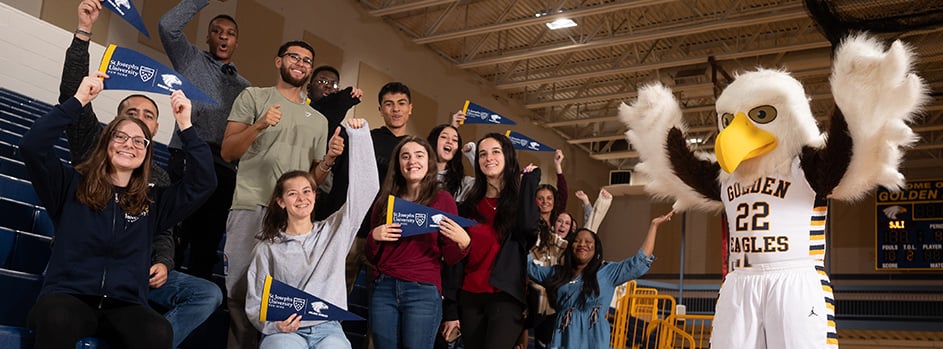
We are thrilled that you'll be joining us at St. Joseph's University, New York. You are well on your way to becoming a Golden Eagle!
Review the information below to ensure you have everything you need to begin your journey at St. Joseph’s University, New York.
Establish a login for the MySJNY portal and St. Joseph's student email account, if you have not already done so. You should have received an email from Admissions with instructions on how to do this. NOTE: Setting up your MySJNY portal and email is necessary in order for you to receive important messages as a St. Joseph's student. It also permits you access to links which you will need to view your schedule and complete some of the other items on this checklist. After setting up your portal, review the instructions on how to set up your SJNY email on your mobile device. Questions about accessing your portal or email account can be forwarded to [email protected].
St. Joseph’s uses a mobile ID instead of a physical card! You will be able to enter campus facilities, use printers/copiers, check our materials from the library and check in for events using your digital wallet on your iPhone, Apple Watch, or eligible Android phone.
Once your current classes have been completed and grades are posted, please contact your school(s) to have a final official transcript sent to our Office of Admissions by July 30, 2025. Students should have their documents or questions regarding final official transcripts sent to [email protected].
If you have advanced credit via AP/CLEP exams, or International Baccalaureate classes, please arrange to have these score reports/transcripts sent to the Registrar's Office, [email protected].
The FERPA form is an opportunity to indicate a third party (i.e. parent or guardian) who may contact us on your behalf. This form is available on your MySJNY portal. When completing this form, be sure to include both the first and last name of the person or person(s) you are listing. For questions regarding the FERPA form, please contact the Registrar’s Office at [email protected].
Once you have a class schedule you will be able to identify the textbooks you will need for each class. Be sure to use both your class course number and section number when searching this site.
If you have already received your financial award letter, please be sure to return it signed to the Financial Aid Office. If you have not already filed for financial aid, there is still time to do so. Use this link to access the FAFSA form and this link to access the NYS TAP application. Our FAFSA code is E00505, and our TAP code is No. 0758.
Please note that your tuition bill will not be mailed to your home. Once you have registered for classes your tuition bill will be posted to your MySJNY portal. You can view and pay your bill through your MySJNY portal. Look for the Self-service button under SJNY applications.
Although your bill is not due until the day before classes begin, you can submit payment for your tuition and fees anytime between now and then. You can submit an online payment or print out your bill and send your payment by mail to the Bursar’s office.
Please note that the University offers several tuition financing options through our tuition deferment programs. If you have any questions, or would like to set up a payment plan, please contact the Bursar’s Office at [email protected].
New York State Public Health Law requires that students submit both the Immunization Record Form and Meningococcal Vaccination Response Form prior to the start of classes. Use this link to submit your forms to us through Medicat. If you have any questions please contact the Wellness Center at [email protected].
The campus Security Office maintains a safe campus and issues a parking sticker to each student. Please complete our Parking Permit Form and email it along with a copy of your vehicle registration. If you submit the form only, and you are picking up your sticker, you will need to stop by the Security Office with your vehicle registration in order to receive your sticker. Send your emails to the Security Office at [email protected].
St. Joseph’s utilizes the RAVE Emergency Notification System for alerts. This text-based messaging system was put in place to inform you of any emergencies on campus should such a need arise. We also use this system to notify you of school closings because of inclement weather. This form can also be found on the top of your MySJNY portal home page. Please note, if you change your mobile phone number during the time that you are a student at St. Joe's, be sure to update your RAVE contact information.
St. Joseph’s University places great emphasis on the safety and security of our students, faculty, staff and visitors. Our Security Department is here to serve and protect our campus community 24 hours a day, seven days a week.
To contact Security on campus 24/7:
** Sign up for the RAVE emergency alert texting system at the Registrar’s Office or on the MySJNY Portal Homepage to receive weather related and other emergency alerts **
Campus Security provides the following services:
For ALL administrative questions, parking permits, tickets, lost and found, etc., contact us at 631.687.2699 Office / [email protected] / Room N229 O’Connor Hall (second floor in main building.)
Security / Safety Tips
Lost and Found
Get Social
Get Social